
The MFA project that ends before the estate does
Most rollouts follow the same shape. The cloud applications go behind MFA first, because that part is straightforward. Then the VPN, if the product can do RADIUS. And then the project closes.
What’s usually still outside it: the domain administrator signing in at a server console, the mailbox reached over ActiveSync, the ERP that authenticates over plain LDAP, and the elevation prompt that turns an ordinary session into an administrative one.
That’s not an oversight. The scope was set by how far the chosen product could reach, and once the scope document was written, the gap stopped being visible.
The attacker doesn’t pick the login you protected best. They pick the one you didn’t get to.
Where Mirket MFA applies
From the SaaS application to the server console: the same second factor, managed in one place, over the same users.
Cloud & federated
- SAML 2.0
- OAuth 2.0 · OpenID Connect
- Microsoft 365 — Entra ID
- Your own apps — REST API
no agent
Network & remote access
- SSL VPN · IPsec VPN
- Firewalls · network devices
- Built-in RADIUS server
- Group and role returned as VSA
no agent
Microsoft estate & legacy
- Exchange OWA / ECP — no ADFS
- Exchange ActiveSync devices
- ADFS — as an MFA adapter
- LDAP / LDAPS applications
native agent or proxy
Endpoints & servers
- Windows · macOS · Linux logon
- RDP · SSH
- Privilege elevation
- Offline, with no connectivity
lightweight agent
One platform, one console
a rule set per surface, all written the same way
- Array Networks
- Barracuda
- Check Point
- Cisco
- Citrix
- CyberArk
- Delinea
- SonicWall
- Fortinet
- F5
- Ivanti
- Microsoft
- Palo Alto Networks
- Proofpoint
- Sophos
- Canonical
- VMware
- WatchGuard
- XLOG
See Mirket MFA in your environment
The VPN, Windows, macOS, Linux, RDP, SSH, Outlook Web Access and the applications that only speak LDAP — protected from one console, in a demo built around your own estate.

How the rules work
Each surface has its own rule set — RADIUS rules, OWA rules, portal login rules, proxy rules, OS logon, ADFS, ActiveSync and the custom API each carry their own.
That’s deliberate, and it’s the difference between a policy you can actually write and one you have to work around. A RADIUS rule needs a source address, an OTP timeout and the attribute to hand back to the firewall. An Outlook Web Access rule needs its own bypass behaviour for unknown users. A single global rule set would force both of them to be less than they should be.
What doesn’t change is how a rule is written. Every rule set uses the same five steps:
- Name it — and describe what it’s for, because somebody else will read it in two years
- Choose the target type — user, or group
- Select who it applies to
- Set the schedule — always, on set days and hours, or only inside a date range
- Choose the action and the authentication method
Conditions are available where they apply to that surface:
| Condition | What it does |
|---|---|
| User or group | Applies to named people or to a directory group |
| Source IP or network | The office gets one answer, the internet gets another |
| Device | A known, enrolled device is treated differently from one nobody has seen before |
| Schedule | Permanently, on set days and hours, or only inside a date range |
| RADIUS client | Rules differ per VPN or per network device |
Rules are evaluated top to bottom and the first match wins, which is what makes exceptions possible without a policy matrix nobody can read. Order is set by dragging.
And there are real bypass controls — global, unknown-user, by IP list, and by named user. Those exist because a rollout that can’t be phased doesn’t get rolled out: you start with one group, watch it, and widen.
So you learn the rule builder once. The eighth surface is configured the same way as the first, by the same administrator, in the same console, over the same users.
Authentication methods
| Push | A request appears on the phone and is approved or denied with one tap |
| Number matching | The number shown on screen has to be typed into the phone — so an approval can’t be given by reflex, and a push a user didn’t start can’t be accepted by mistake |
| FIDO2 / WebAuthn | Phishing-resistant, passwordless sign-in for web, SAML and OpenID Connect applications — with Windows Hello, Touch ID, a synchronised passkey or a hardware security key. The credential is bound to your domain, so a lookalike site gets nothing |
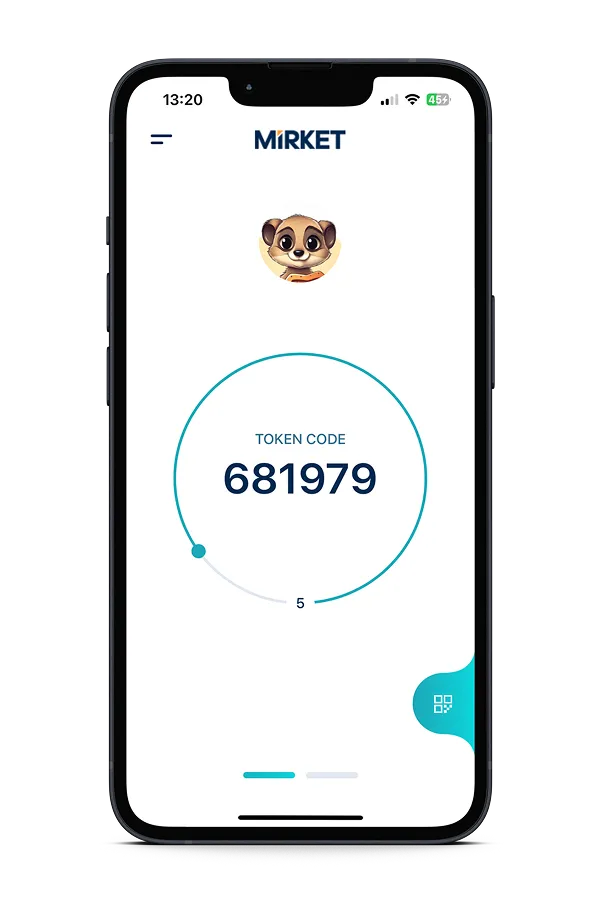
| Mirket Token | A code in the app that changes every 30 seconds and needs no network |
| Mirket OTP | A single-use code delivered into the app |
| TOTP | Google Authenticator, Microsoft Authenticator, or any RFC 6238 application |
| SMS | Still the method that reaches everyone — including people without a smartphone, and contractors you don’t manage. Your own SMS gateway can be used instead of ours, so the message arrives from a sender your users recognise |
| Biometric | Face or fingerprint unlocks the app before an approval can be given |
| Offline authentication | At a logon screen with no connectivity, Mirket Token or TOTP is entered on the endpoint and verified there. One online sign-in on that machine is all it takes to enable it |
| Recovery codes | Regenerated daily, so a list that leaks stops working quickly |
| Reverse MFA | The same factors in the opposite order — the second factor is completed first and the password is taken second. It’s a configuration choice rather than a different method |
| Passwordless | A sign-in method in its own right, not a password with something added. The user authenticates with a Mirket method — an approval on the registered phone, or a code from the app — at the Windows and Linux logon, over SSH and at sudo; in the browser, with FIDO2 or WebAuthn. On Linux the password step is bypassed outright; on Windows the credential is supplied from encrypted, machine-bound storage after one initial sign-in |
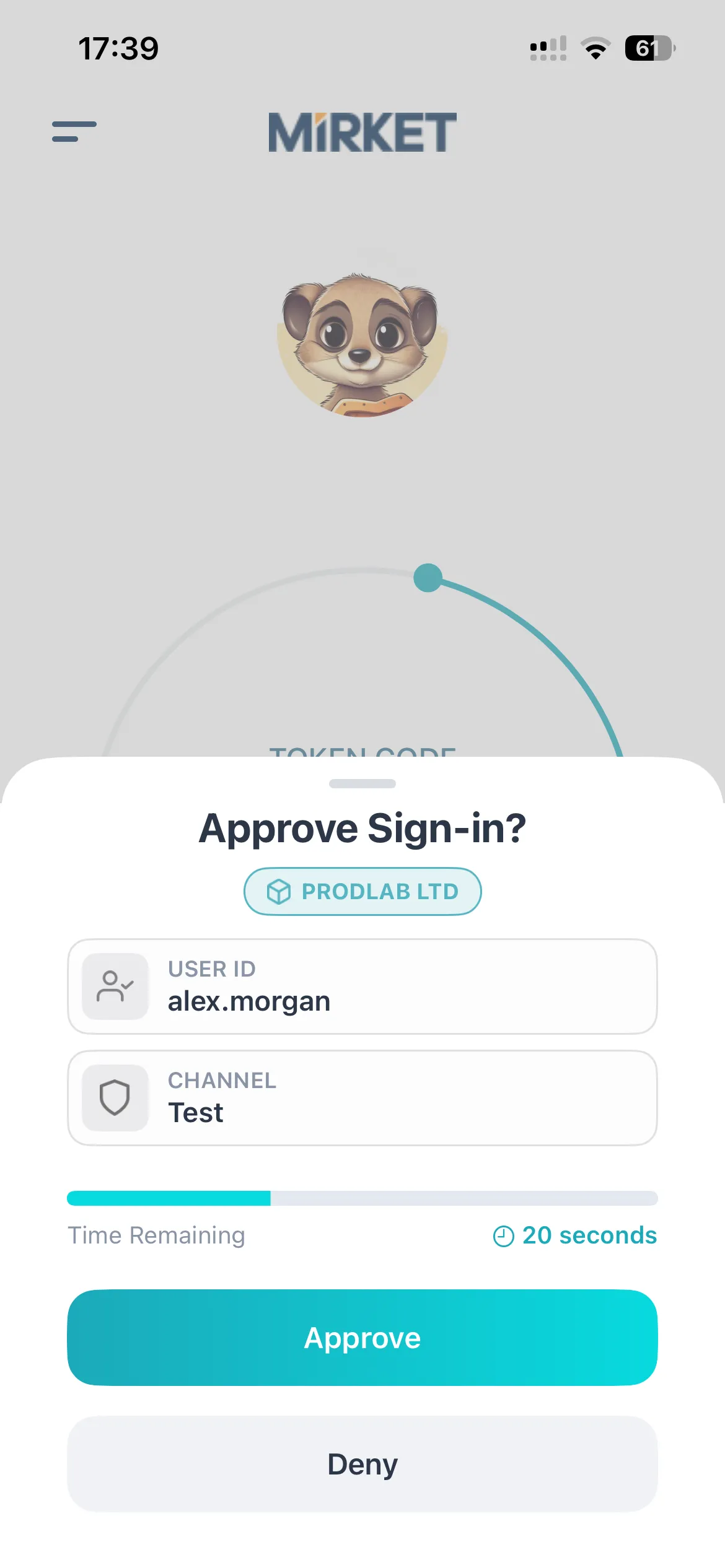
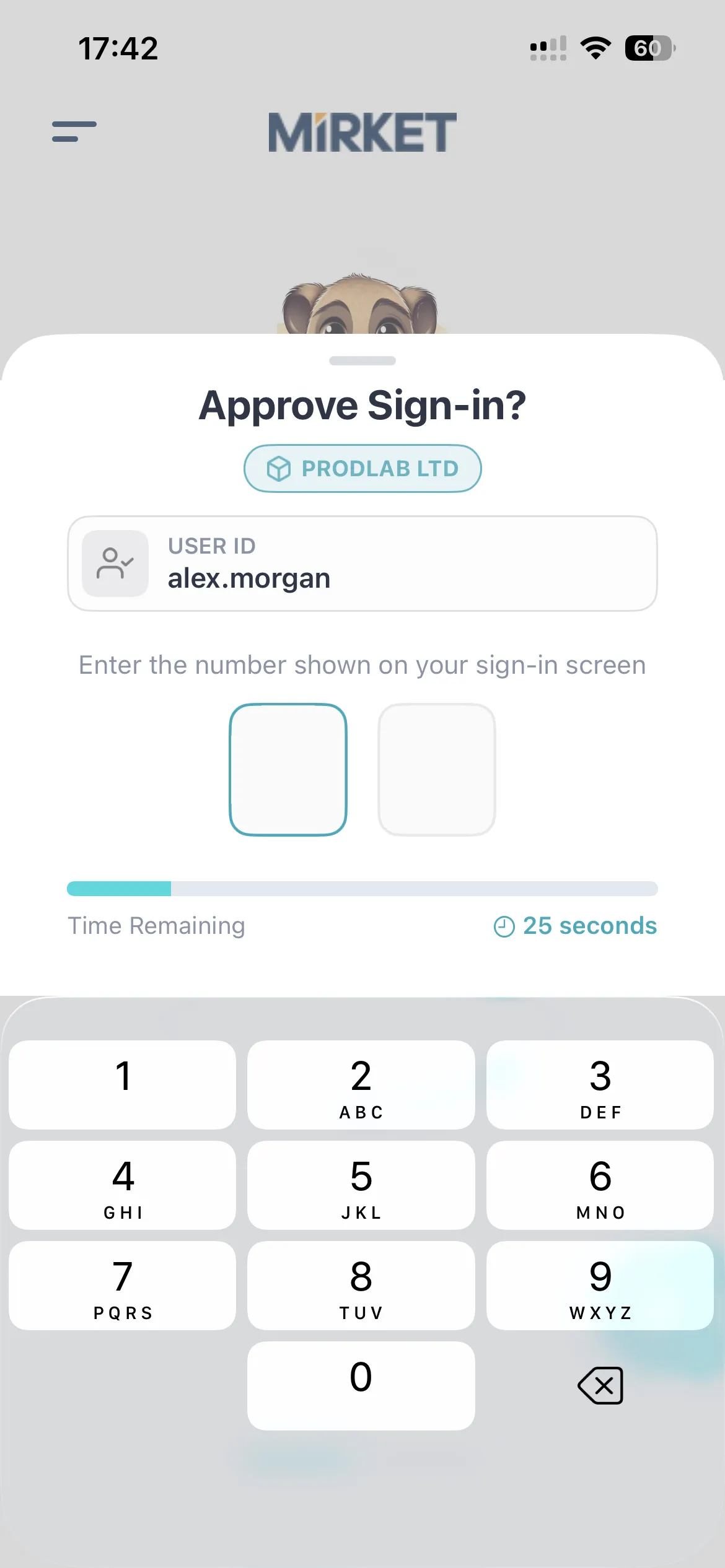
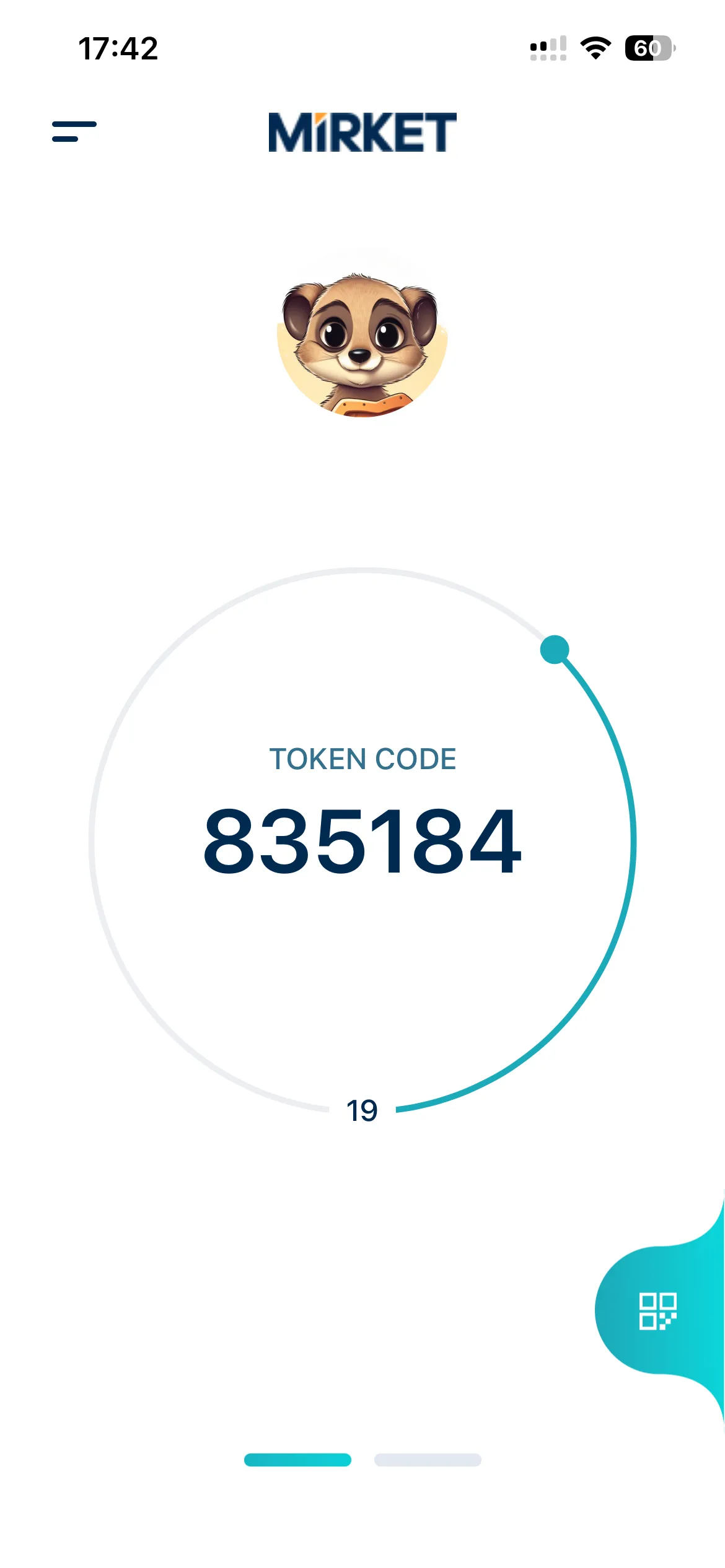
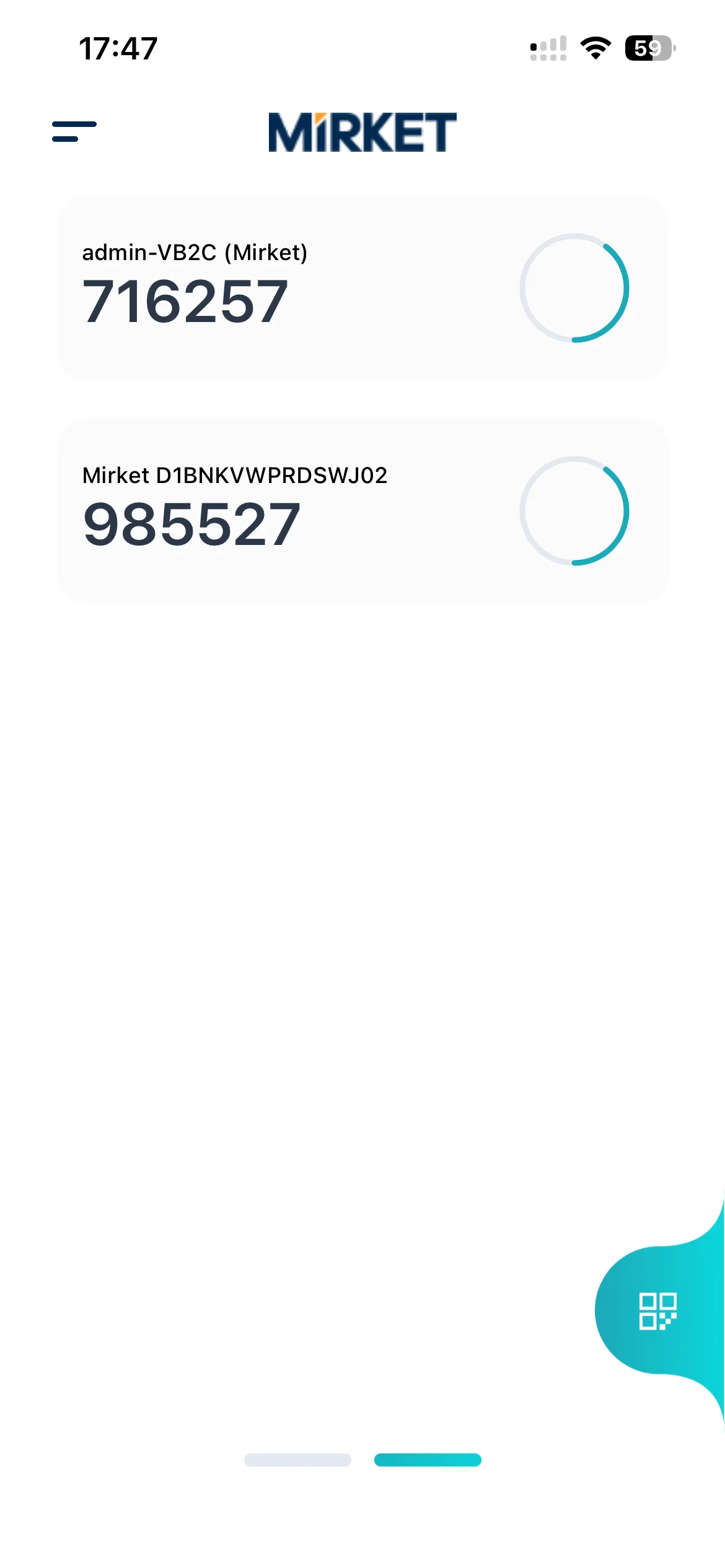
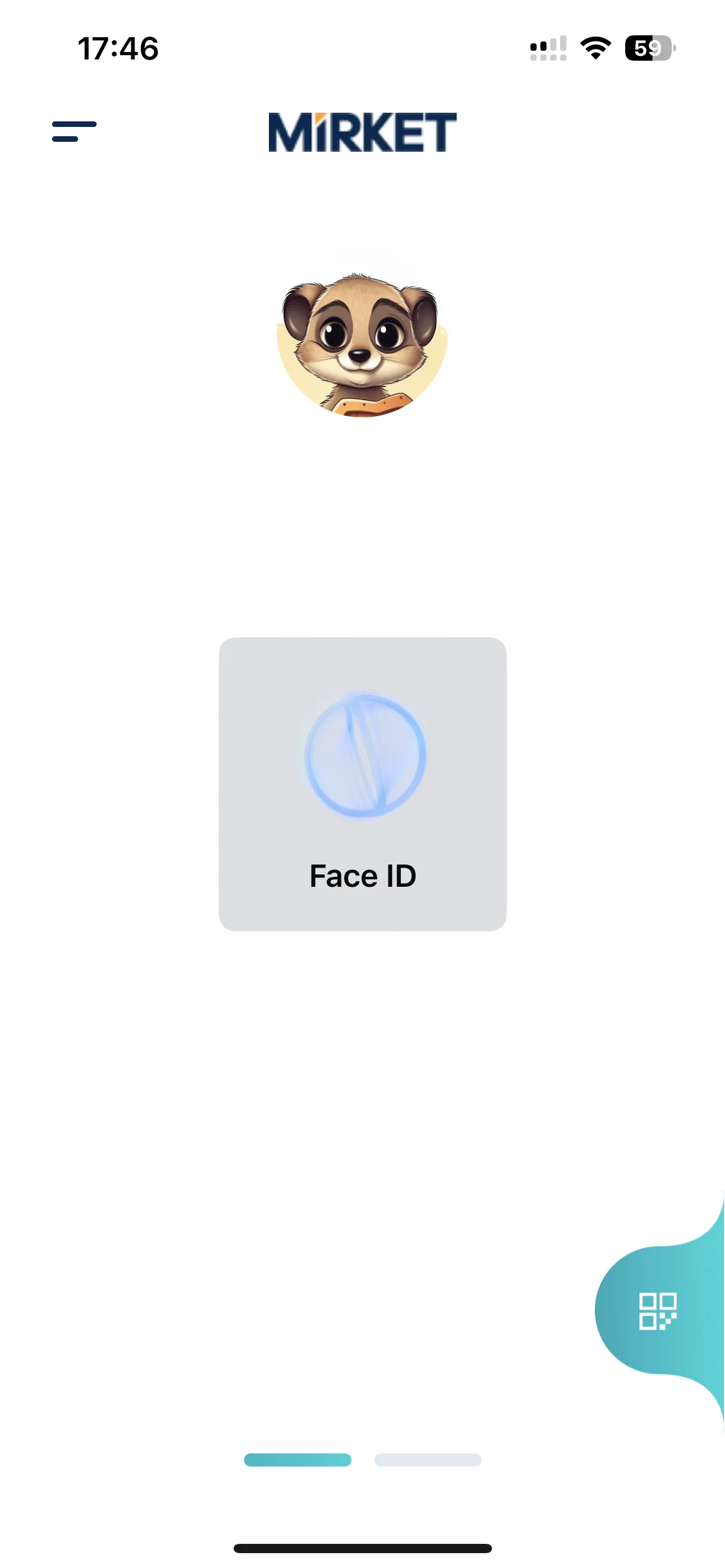
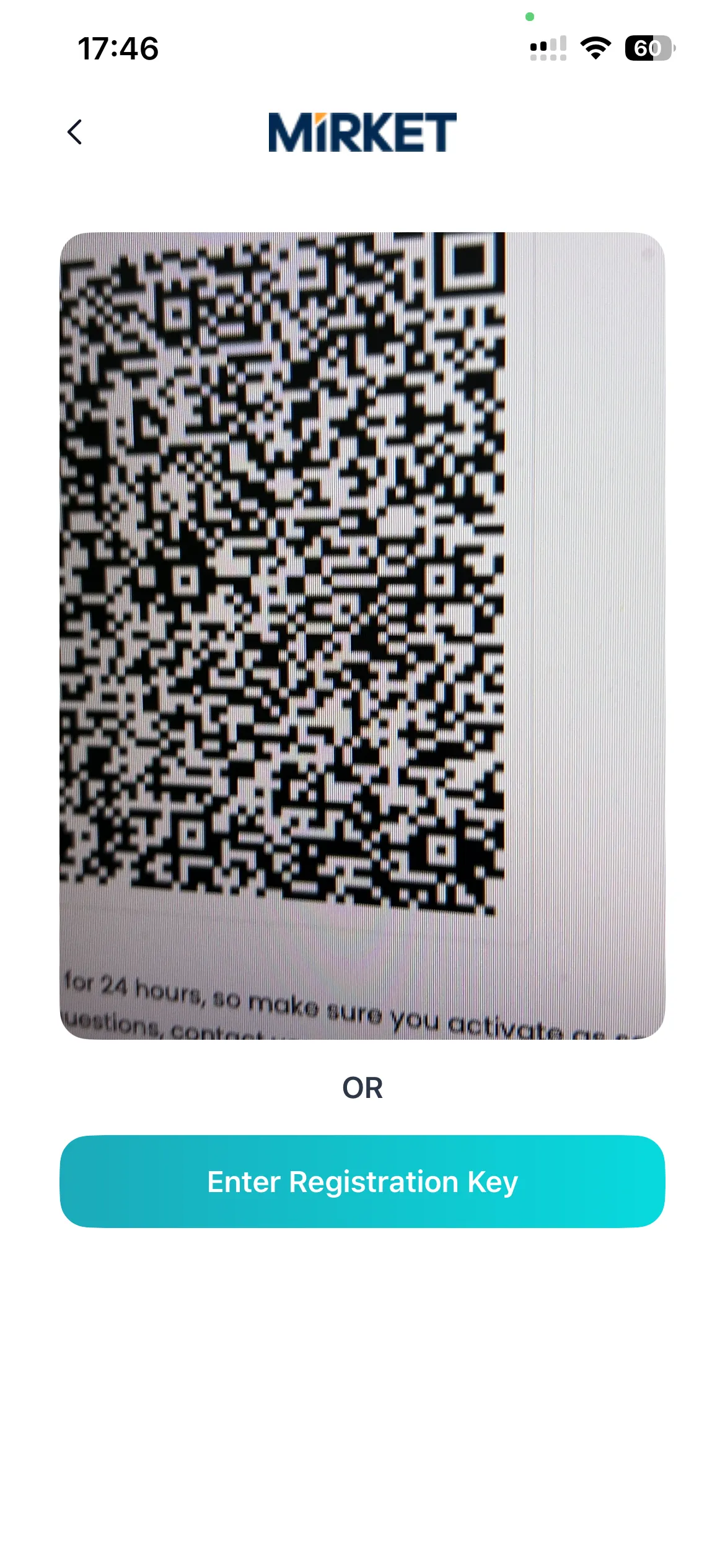
Methods are enabled per user and per group, and per target: SSH, RDP and console logon each carry their own set. The mobile app runs on iOS, Android and Huawei Mobile Services.
Phishing-resistant where phishing happens
A one-time code can be phished: the fake page asks for it and relays it. A push can be phished with patience. A FIDO2 credential can’t be — the private key never leaves the authenticator, and it only answers to the domain it was registered on, so a lookalike page has nothing to relay. Mirket applies FIDO2 and WebAuthn to the web, SAML and OpenID Connect sign-ins where credential phishing actually occurs, and pairs it with number matching on push so that the surfaces which stay on push can’t be approved by reflex. And passwordless isn’t confined to the browser: the same choice exists at the Windows and Linux logon, over SSH and at sudo, where a Mirket method signs the user in instead of a password. Which method belongs where is worked through on Passwordless Authentication.
Adaptive authentication
A fixed rule can say ask for a second factor from outside the office.
It can’t say this sign-in doesn’t look like this person.
MFA becomes adaptive when it’s combined with Mirket ITDR — an add-on that scores the sign-ins the service platform produces, so it applies where MFA is running as a service. The same sign-ins this page describes are read against each account’s normal behaviour, and when they don’t match, the response is automatic: raise the challenge, isolate the account, or force a password reset. How the scoring works — and what “doesn’t look like this person” means in practice — is on Adaptive Authentication.
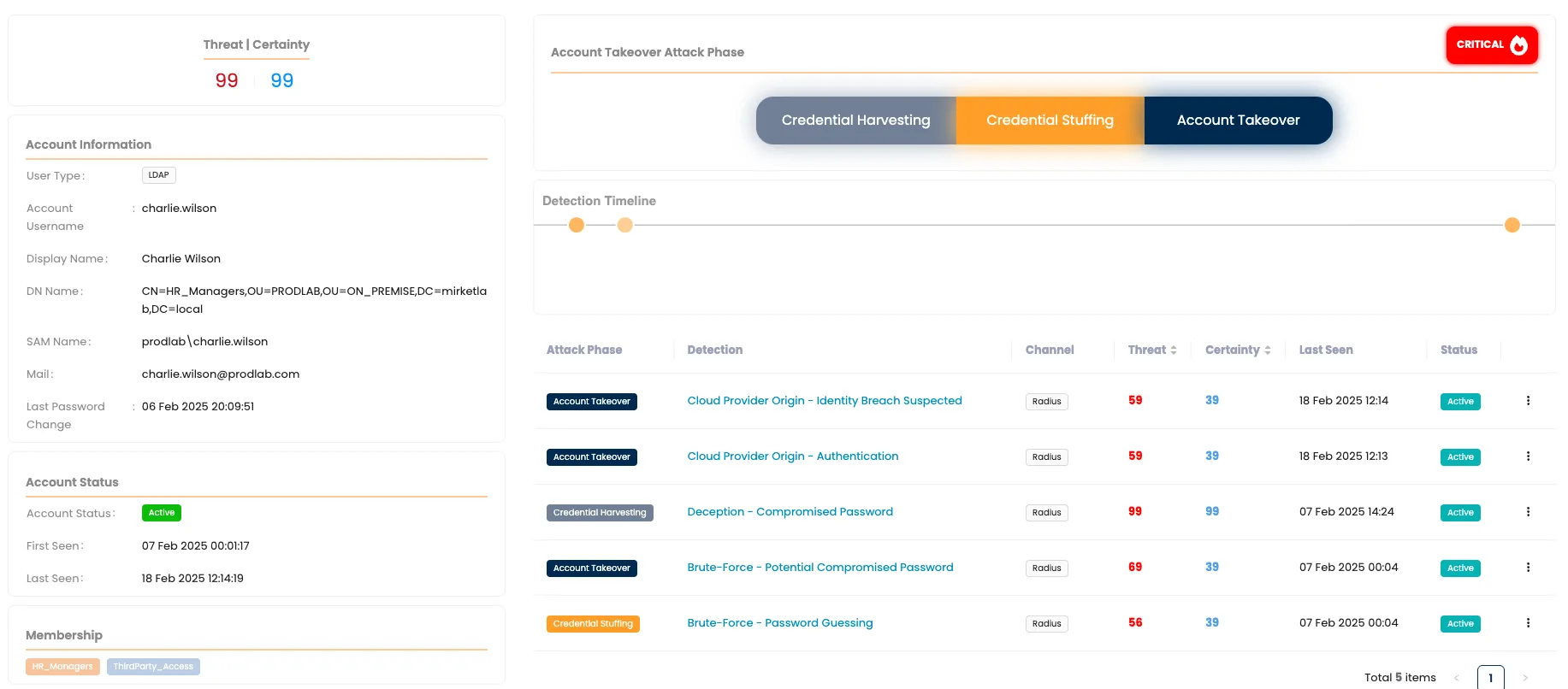
One signal belongs on this page, because MFA is what produces it: a user who passes the password but repeatedly fails the second factor is a strong indication that somebody has the password and doesn’t have the phone. On its own it isn’t proof — a flat battery and a mis-tap look similar — but it becomes high-confidence quickly when the attempts repeat, arrive from an unfamiliar origin, or hit several accounts at once. The detail is on Account Takeover & Compromised Credential Detection.
Push fatigue is an attack, not a user error
An attacker with a working password can simply keep triggering sign-ins until the notifications become annoying enough to approve. It has worked against large, well-run organisations.
Two things stop it here. Number matching removes the reflex: there’s nothing to approve without reading a number off the screen the user is actually looking at. And repeated pushes are rate-limited, so the volume needed to wear someone down never arrives.
The pattern itself — many pushes, no approval, one account — is forwarded to your SIEM, because it means the password is already gone. The full treatment is on MFA Fatigue Attacks.
What decides whether endpoint MFA holds
The logon screen, with no network
Laptops offline still need protection. Most tools either fail closed (locking users out) or fail open (bypassing MFA entirely).
Mirket verifies authentication locally on the endpoint, requiring no connectivity on either device:
- Mirket Token & TOTP. 30-second codes generated on the phone and verified directly on the endpoint.
- Daily recovery codes. Single-use backup codes regenerated every 24 hours when the phone is unavailable.
Enrolment takes a single online sign-in. From then on, the endpoint authenticates offline without network access.
Operational note: Offline verification is time-based, so the endpoint’s system clock must remain accurate.
The control sits in the logon path, not next to it
This reads like an implementation detail, and it’s the thing that decides whether the control actually holds.
Where the MFA check depends on a separate background service, it inherits that service’s failure modes. A service can be stopped by a local administrator or disabled at boot — and if the logon screen is left calling out to something that is no longer answering, the machine either locks everyone out or lets everyone in with no second factor.
Mirket’s MFA control is integrated directly into the Windows logon path rather than relying on a separate background authentication service. This makes the authentication control part of the logon flow itself. On Windows it is a credential provider; on Linux, a PAM module in the authentication stack.
And it can’t be quietly removed. Uninstalling requires a removal code, so a local administrator — or anyone who has just become one — can’t strip the agent off the machine and sign in unchallenged.
Deployment is silent, through GPO, SCCM or any distribution tool you already run.
Built for the people who have to use it
MFA is the only security control your entire organisation touches every day. If it’s unpleasant, it generates tickets until somebody grants an exception, and the exception becomes permanent.
On the administrator’s side: one console for every surface on this page, delegated read-only profiles for auditors, and no domain administrator account required — six OU-scoped delegated permissions are enough.
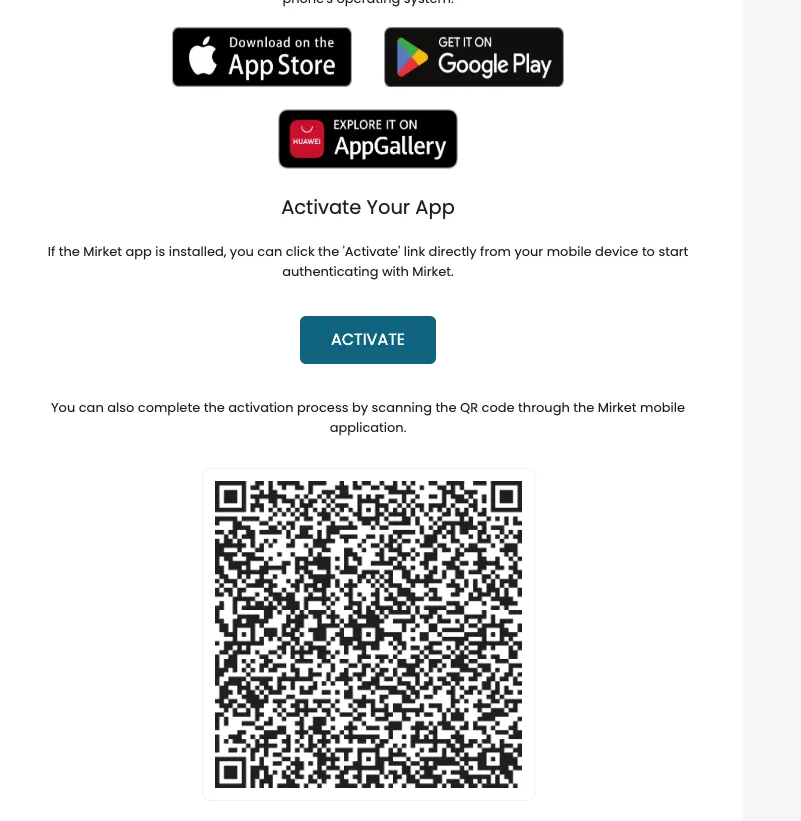
Users enrol themselves
Registering, replacing and removing methods and devices happens in the user portal, not in a ticket. Enrolling the phone is either a QR scan or a tap on a link in an email — whichever the person has in front of them.
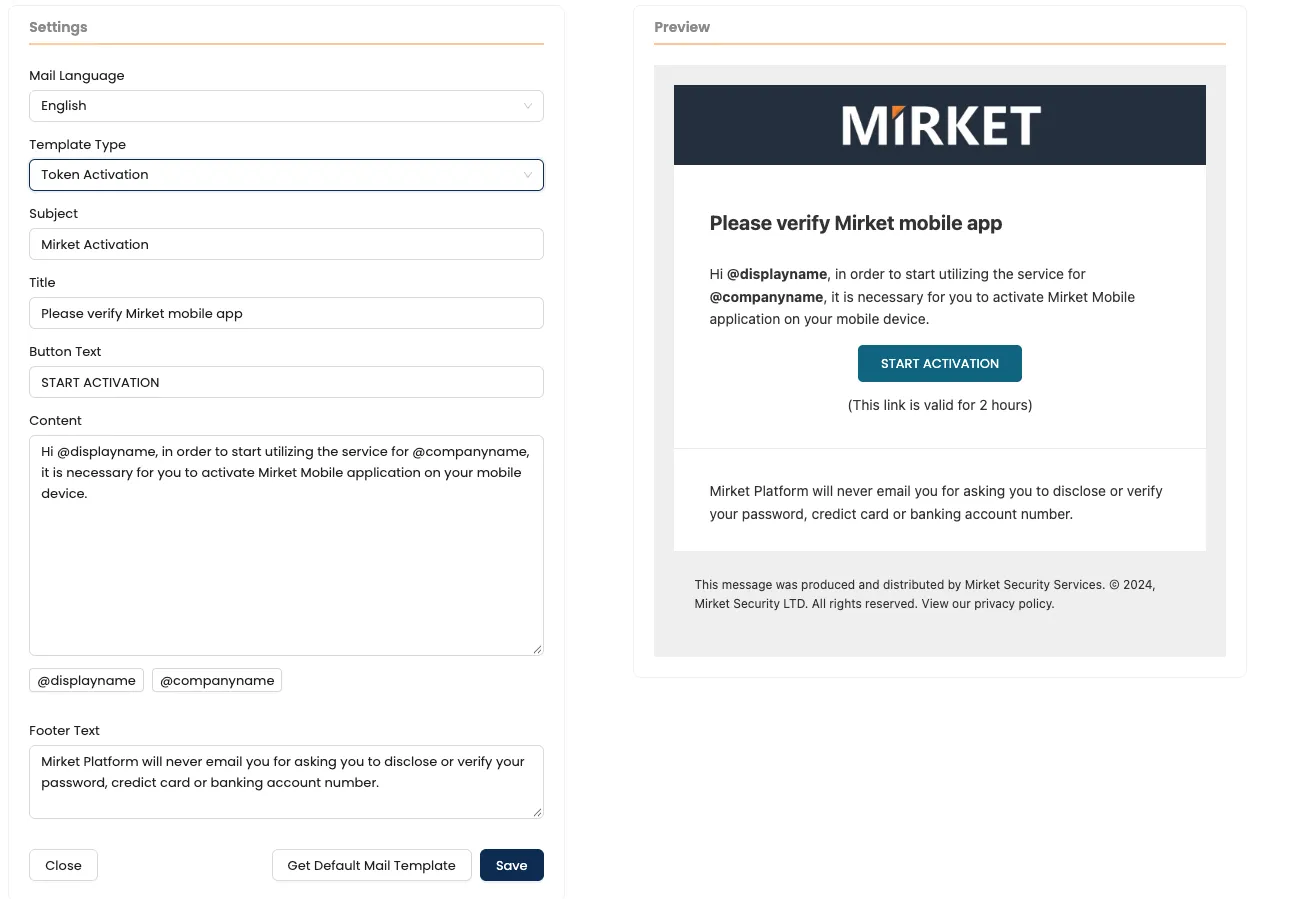
Your wording, your language
Enrolment and notification emails are rewritten to match how your organisation actually writes.
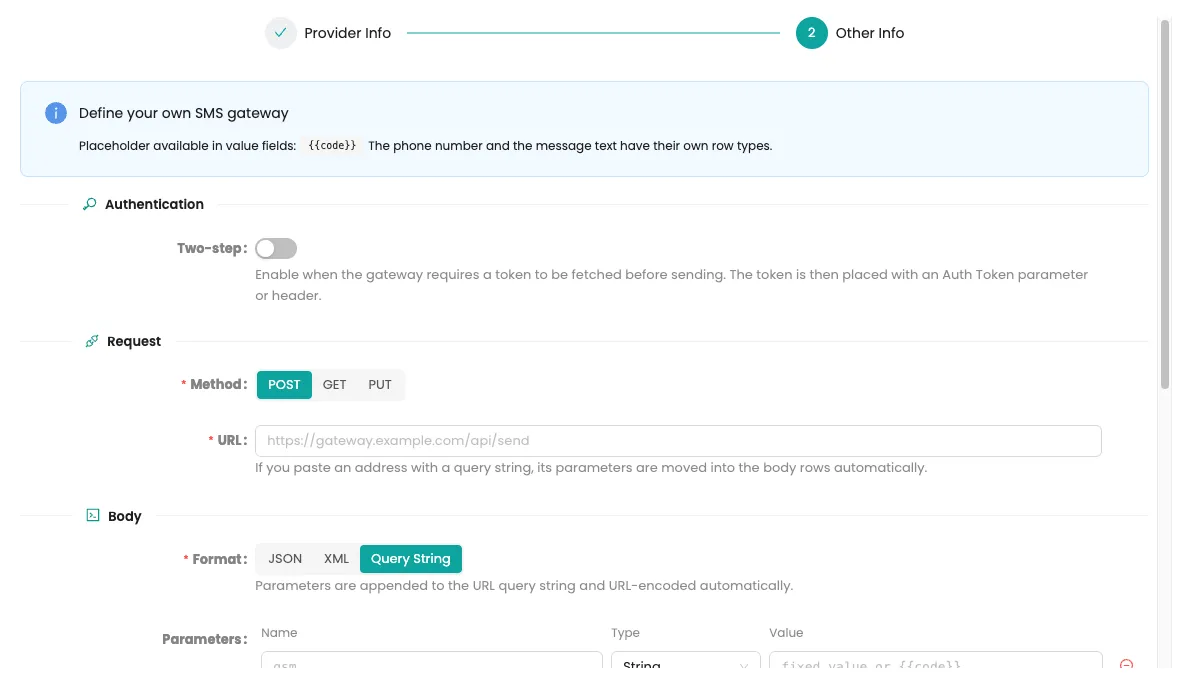
Your SMS sender
Messages arrive through your own gateway, from a sender users recognise rather than an unknown number.
Audit and compliance
Mirket doesn’t make you compliant — no product does. These are the requirements MFA is usually measured against, and what the platform gives you to answer them with.
PCI DSS v4.x
Req. 8.4 and 8.5Multi-factor authentication for all access into the cardholder data environment and for all administrative access, implemented so that it cannot be bypassed. Coverage of console, RDP, SSH and elevation is where most assessments find the gap.
NIS2
Art. 21Multi-factor or continuous authentication for essential and important entities, across the estate rather than a part of it.
ISO/IEC 27001:2022
A.5.17, A.8.5Authentication information and secure authentication, including on systems that predate modern protocols.
GDPR
Art. 32Appropriate technical measures for access to personal data — including the mailbox, the file server and the application that holds it.
Deployment
Both, and it’s the same product either way.
On-premise. Mirket Portal runs on your own servers, under your own control, with high availability as an active-passive pair — the standby is synchronised continuously and takes over on its own if the active node stops answering.
As a service. The same platform, run by us. Directory integration goes through an agent inside your network, and the Active Directory service account credentials are entered on that agent, never into the cloud console — they’re stored encrypted on your side.
Either way, agents are needed only for the surfaces that require them — the table above says which. Everything federated, everything over RADIUS, and the REST API need nothing installed anywhere.
Multiple Active Directory domains are supported at once, and the same username in two domains is resolved automatically — users don’t have to type a domain prefix or a UPN to sign in.
Counted by defined users. One model, no tiers to compare, and the same number whether you protect one surface or all of them.